
Discount Applied - You're Saving More
Ethernet Patch Panels
-


 20% off
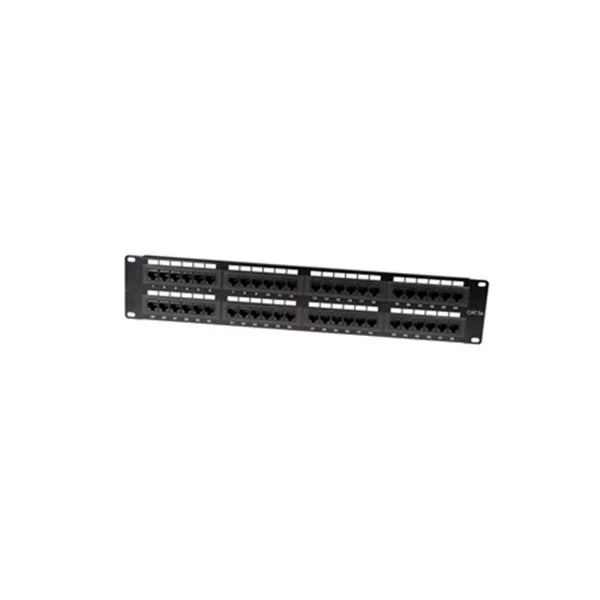
Cat6 Networking Patch Panels | Unshielded
From $31.99 USD $39.99 USD$31.99 USD$31.99 USD $39.99 USDOnly 1 units left -
 13% off
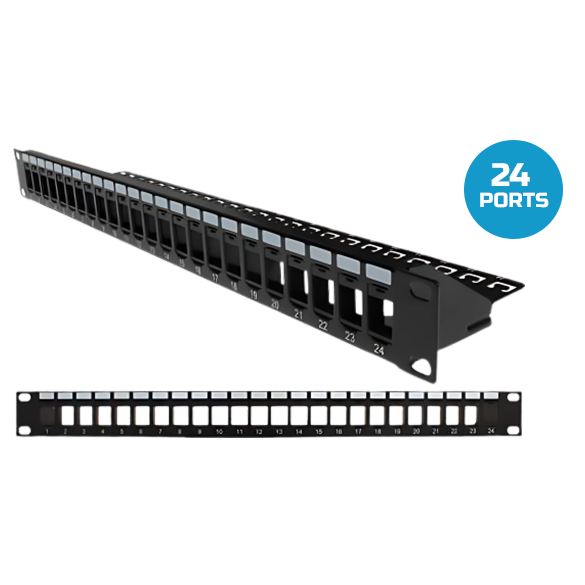
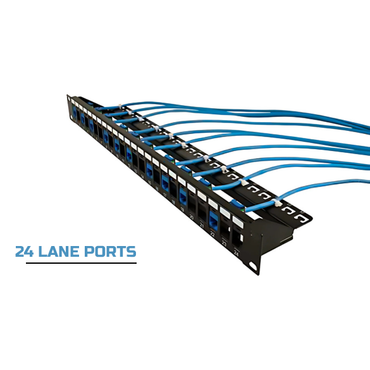
Blank Patch Panel UTP, with Cable Manager, 24 Port, 1U Black
$25.99 USD $29.99 USD$25.99 USD$25.99 USD $29.99 USD57 in stock -
 26% off
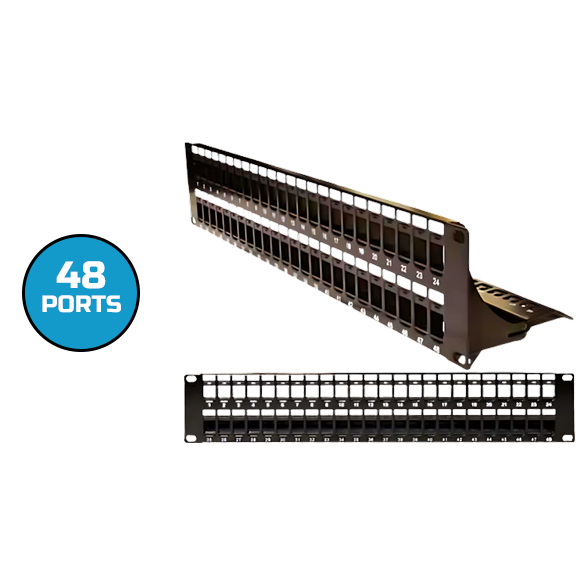
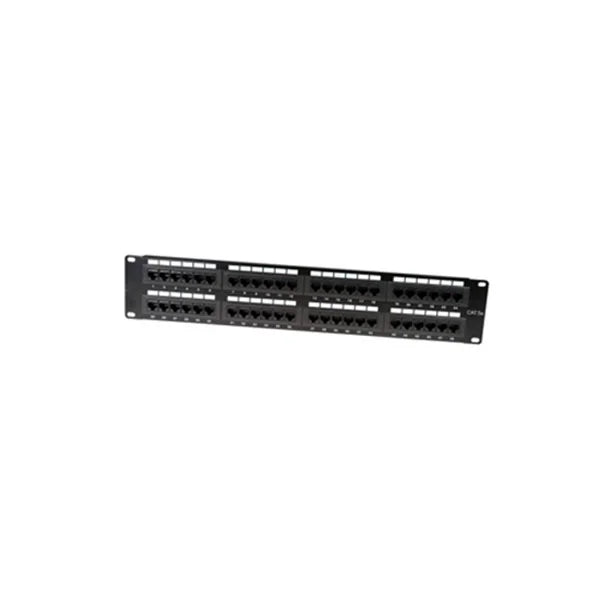
Blank Patch Panel UTP, with Cable Manager, 48 Port, 2U Black
$36.99 USD $49.99 USD$36.99 USD$36.99 USD $49.99 USD44 in stock -
 Coming Soon 20% off
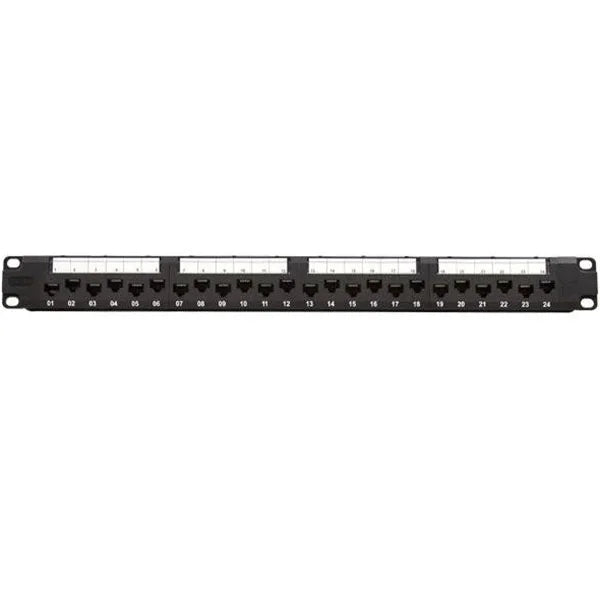
CAT6A 24-Port Patch Panel, 1U Rack Mount, Wire Management Support Bar | Unshielded
$47.99 USD $59.99 USD$47.99 USD$47.99 USD $59.99 USD -
13% off
Blank Patch Panel STP, with Cable Manager, 24 Port, 1U Black
$25.99 USD $29.99 USD$25.99 USD$25.99 USD $29.99 USD24 in stock -
 13% off
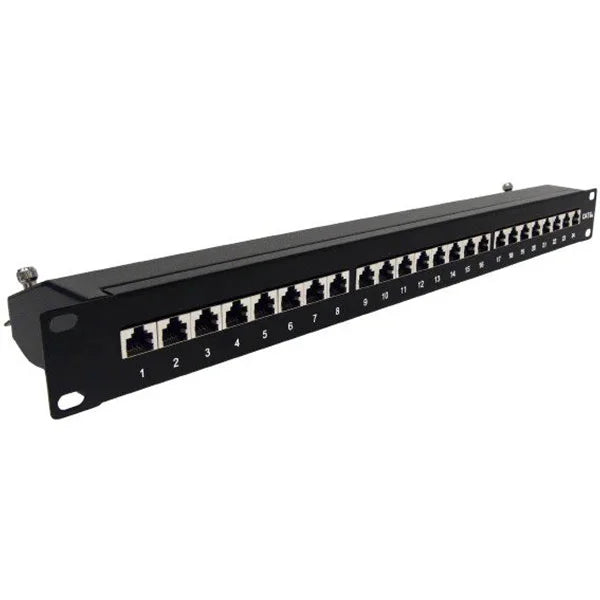
CAT6A Network 24-Port Patch Panel, 1U, 19 | Shielded
$129.99 USD $149.99 USD$129.99 USD$129.99 USD $149.99 USD26 in stock -
 20% off
Cat5e Networking Patch Panels | Unshielded
From $19.99 USD $24.99 USD$19.99 USD$19.99 USD $24.99 USD48 in stock -
26% off
Blank Patch Panel STP, with Cable Manager, 48 Port, 2U Black
$36.99 USD $49.99 USD$36.99 USD$36.99 USD $49.99 USD22 in stock -
10% off
CAT6A Network 48-Port Patch Panel, 1U, 19 | Shielded
$169.99 USD $189.99 USD$169.99 USD$169.99 USD $189.99 USD47 in stock


About Ethernet Patch Panels
Patch panels act as central connection points that bring order to structured cabling systems. This collection focuses on panels designed to terminate and manage multiple network cables in a single, organized location.
A patch panel simplifies routing, labeling, and maintenance by keeping connections accessible and neatly arranged. These panels are commonly installed in racks and cabinets across offices, data rooms, and commercial facilities. By reducing cable clutter and making changes easier, patch panels help maintain efficient and well-organized network infrastructures.
|
Feature |
Value / Spec |
Standards Compliance |
Professional Notes |
|
Port Count |
12, 24, or 48-Port |
EIA-310-D (19" Rack) |
24-port panels typically occupy 1U (1.75") of rack space. |
|
Type |
Fixed or Modular (Loaded) |
TIA/EIA-568 |
Modular (blank) panels allow mixing Cat6, Cat6a, and Fiber. |
|
Management |
Rear Cable Support Bar |
TIA-569-B |
Support bars prevent the weight of the cables from pulling on the terminations. |
|
Grounding |
Integrated Grounding Wire |
TIA-607-C |
Mandatory for shielded panels to safely discharge EMI/RFI noise. |

