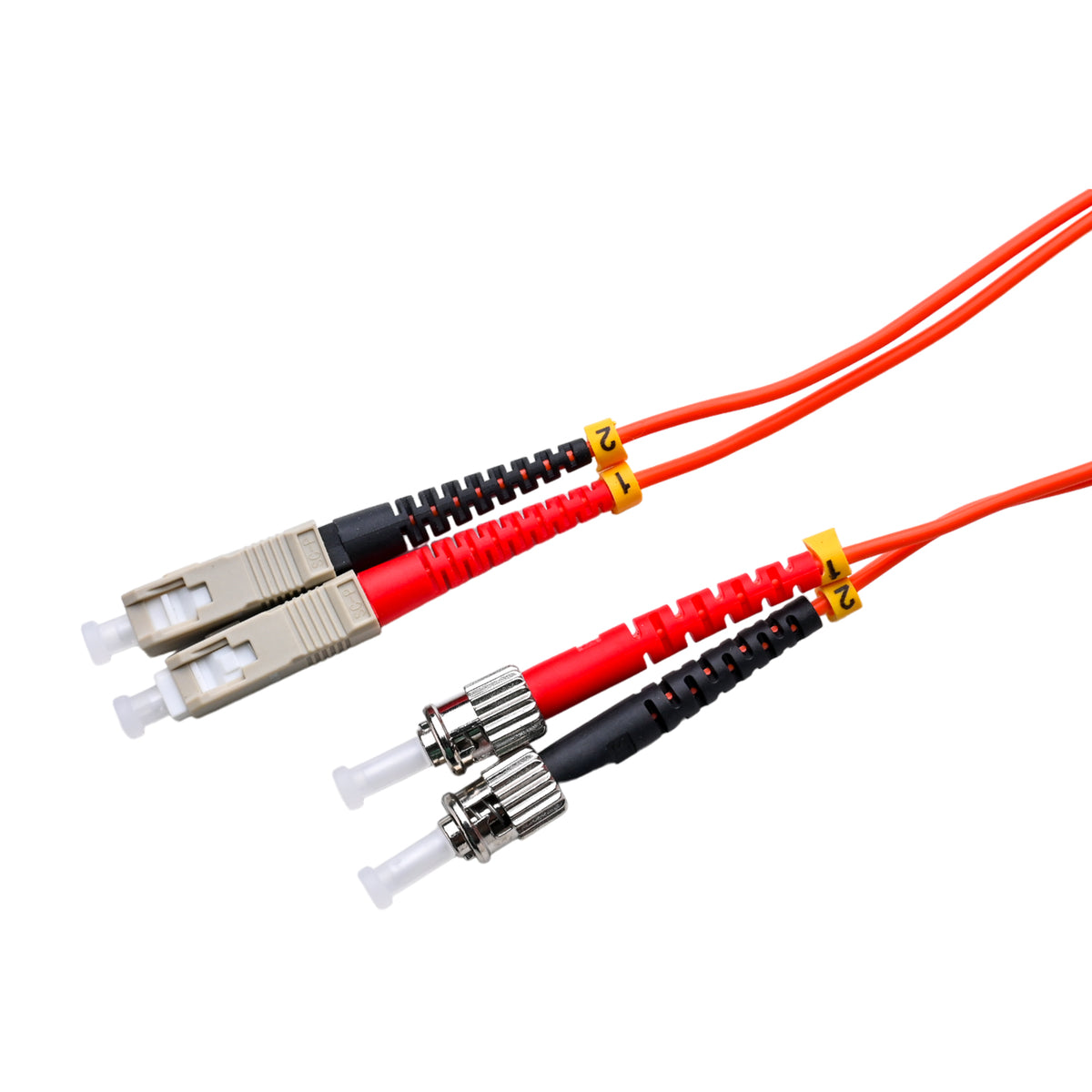
Bridge SC Equipment to ST Panels
Media converters, older switches, and fiber modems often have SC ports. Meanwhile, many campus patch panels were built with ST adapters. This cord connects the two directly. You skip the hybrid adapters that add loss and extra points of failure.
Two Connector Styles, One Cord
The SC end snaps into place with a simple push and releases with a pull. The ST end uses a bayonet mount that locks with a quarter turn. Both share a 2.5 mm ferrule, so they offer similar optical performance. You get the right physical fit on each side.
OM1 Fiber Specs
The 62.5 µm core suits 100 Mbps and 1 Gigabit links. Fast Ethernet over 100BASE-FX can reach about 2 kilometers, while 1000BASE-SX reaches about 275 meters. Many legacy cameras, building controls, and media converters run comfortably within those limits.
Keep 62.5 and 50 Micron Apart
Only connect this cord to other OM1 fiber. A 62.5 µm cord mated to 50 µm cable can lose several decibels in one direction. The orange color helps prevent that mix-up during late-night repairs.
Duplex Polarity
Two fibers sit side by side in one cable. A-to-B polarity crosses transmit and receive across the link. If the connection doesn't light up, swap the two legs at either end.
Installation Tips
Clean both connector types before mating, since SC and ST end faces collect dust easily. Lock the ST end with a gentle turn, never a hard twist. Keep the riser-rated cord out of plenum spaces, and route it with smooth, wide curves.
Planning a Gradual Migration
Few organizations can replace every panel and switch at once. Hybrid cords like this one let you upgrade in phases. Swap the equipment first, and keep the ST panels until the budget allows a full refresh. When that day comes, you only need to change the panel side. The fiber in the walls stays put.