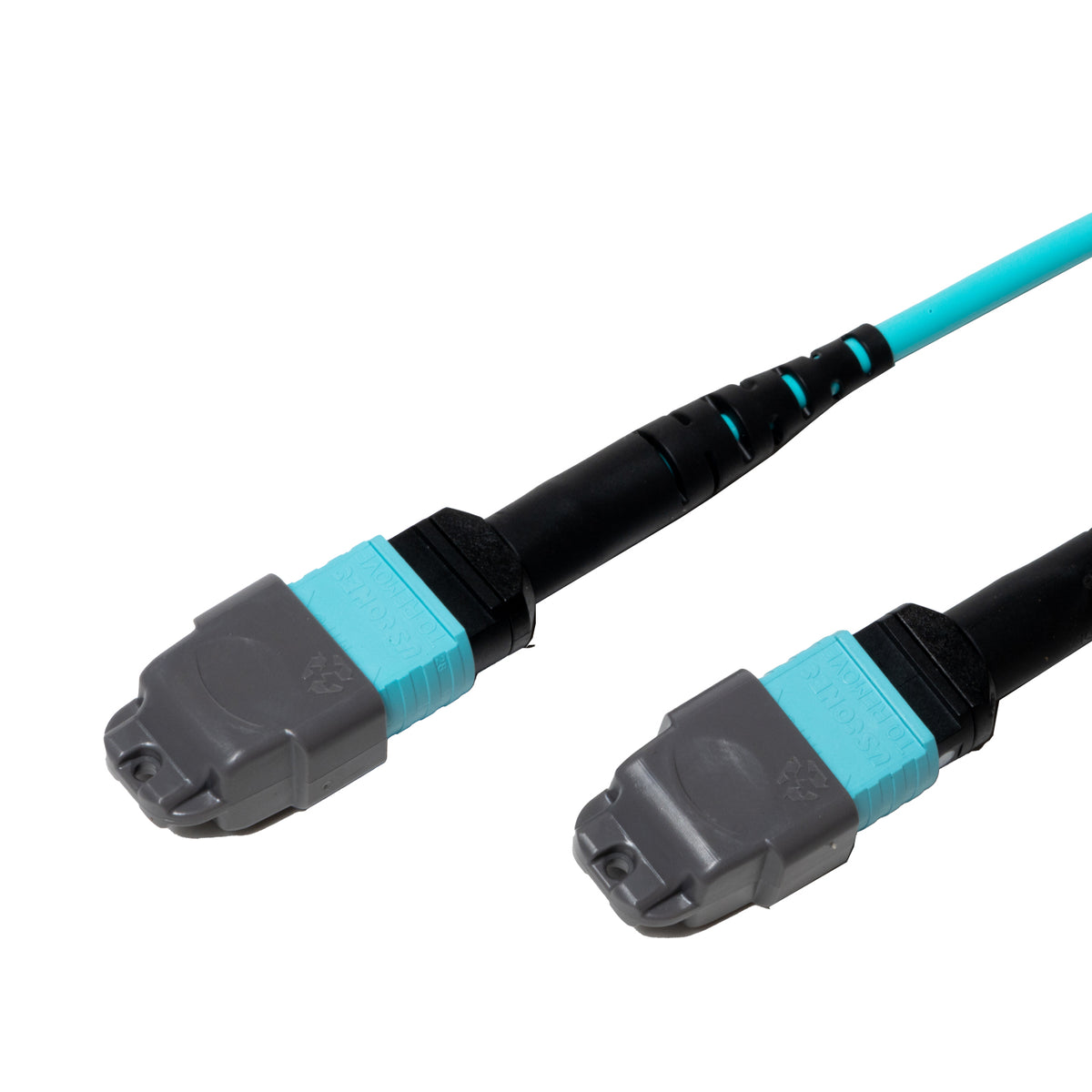
Made for Parallel Optics
SR4 transceivers send data on four fibers and receive on four more. Type B wiring lines those lanes up automatically. Plug one end into a QSFP port and the other into a second QSFP port, and the link comes up. There's no need for special cassettes or polarity flippers.
How Type B Flips the Fibers
Both connectors sit key-up. Because of that, fiber 1 on one end meets fiber 12 on the other, fiber 2 meets fiber 11, and so on. This mirror image is what crosses transmit to receive inside the cable itself. Mix it with a Type A trunk in the same channel, though, and the link will fail. Pick one method and use it everywhere.
Spine-Leaf Ready
Modern data centers connect every leaf switch to every spine. That creates a lot of point-to-point links. Pre-terminated Type B trunks make those runs fast to install. They also make the links easy to trace when someone needs to troubleshoot at 3 a.m.
Reach on OM4 Glass
OM4 carries 100G SR4 up to about 100 meters and 40G SR4 up to about 150 meters. For most row-to-row and room-to-room links, that's plenty of headroom. Elite connectors leave even more margin for patch cords along the way.
A Simple Path From 40G to 100G
Both 40G SR4 and 100G SR4 optics use the same eight-fiber parallel layout. That means this trunk can carry a 40G link today and a 100G link after your next switch refresh. Swap the transceivers at each end, and the cabling stays exactly where it is. Few upgrades get easier than that.
Plenum Safety
The OFNP jacket meets the strictest indoor fire rating for fiber. It produces little smoke and resists flame spread, which keeps it code-compliant in plenum spaces. The aqua color also separates this multimode trunk from single-mode cable in shared trays.
Keep It Clean
Twelve fibers share one end face, so a single speck of dust can kill a lane. Inspect and clean each connector before every mating. Store spare trunks with dust caps on, coiled loosely, and out of foot traffic.